RCS Messaging in India: Complete Guide for iPhone, Android, Oppo, Vivo & How to Enable It
What Is RCS Messaging and Why It Matters in India
Rich Communication Services (RCS) is the next-generation messaging protocol designed to replace SMS. Unlike traditional SMS — limited to 160 characters of plain text — RCS supports high-resolution images, video, file sharing, read receipts, typing indicators, group chats, location sharing, and interactive buttons, all within the native messaging app on your phone.
For Indian businesses and consumers, RCS represents a massive upgrade. India has over 1.2 billion mobile subscribers, and SMS remains the backbone of transactional and promotional communication. RCS transforms this channel from a text-only medium into a rich, app-like experience — without requiring users to download a separate application like WhatsApp or Telegram.
The protocol is governed by the GSMA (GSM Association) and is supported by Google's Jibe platform, which most Android OEMs and Indian carriers use as their RCS backbone. With Apple finally adding RCS support in iOS 18, cross-platform rich messaging is now a reality for the first time.
RCS on iPhone (iOS 18 and Later)
Apple introduced RCS support in iOS 18, released in September 2024. This was a landmark moment because iPhone users in India could finally send and receive rich messages to Android users without falling back to SMS. RCS messages on iPhone appear in the default Messages app alongside iMessage conversations.
Key features available on iPhone RCS include: high-resolution photo and video sharing, typing indicators, read receipts (double blue ticks), group messaging with Android users, and Wi-Fi/mobile data delivery (no per-message SMS charges). However, Apple's implementation does not support end-to-end encryption for RCS conversations — only iMessage-to-iMessage chats retain E2EE.
To enable RCS on your iPhone in India: go to Settings → Messages → toggle on 'RCS Messaging'. Ensure your carrier supports RCS (Jio and Airtel both support it). You need an active data connection (Wi-Fi or mobile data). If the toggle is not visible, update to iOS 18.2 or later and check carrier settings updates.
Important note: RCS on iPhone only works for person-to-person messaging. Business RCS (A2P RCS) sent by brands via platforms like Google RBM will appear as rich cards on Android but may fall back to SMS on iPhone depending on carrier implementation.
RCS on Android: Google Messages & Samsung Messages
Android has been the primary platform for RCS since Google began rolling out RCS via Google Messages (formerly Android Messages) in 2019. Google Messages is the default messaging app on Pixel phones and most stock Android devices, and it uses Google's Jibe Cloud as the RCS backend.
Google Messages RCS features: rich media sharing (photos, videos, GIFs, stickers), read receipts and typing indicators, end-to-end encryption for 1:1 chats (enabled by default), group chats with up to 100 participants, reactions (emoji reactions on messages), voice messages with transcription, and smart reply suggestions powered by Google AI.
Samsung Messages — the default messaging app on Samsung Galaxy phones — also supports RCS, but Samsung uses its own RCS backend in partnership with carriers. In India, Samsung Messages supports RCS on Jio and Airtel networks. The experience is similar to Google Messages but may lack some Google-specific features like E2EE and smart replies.
To enable RCS in Google Messages on Android in India: open Google Messages → tap your profile icon → Messages Settings → RCS Chats → toggle 'Turn on RCS chats'. If you see 'Connected' status, RCS is active. For Samsung Messages: open Samsung Messages → Settings → Chat settings → toggle on 'Rich Communication Settings'. Both apps require an active internet connection.
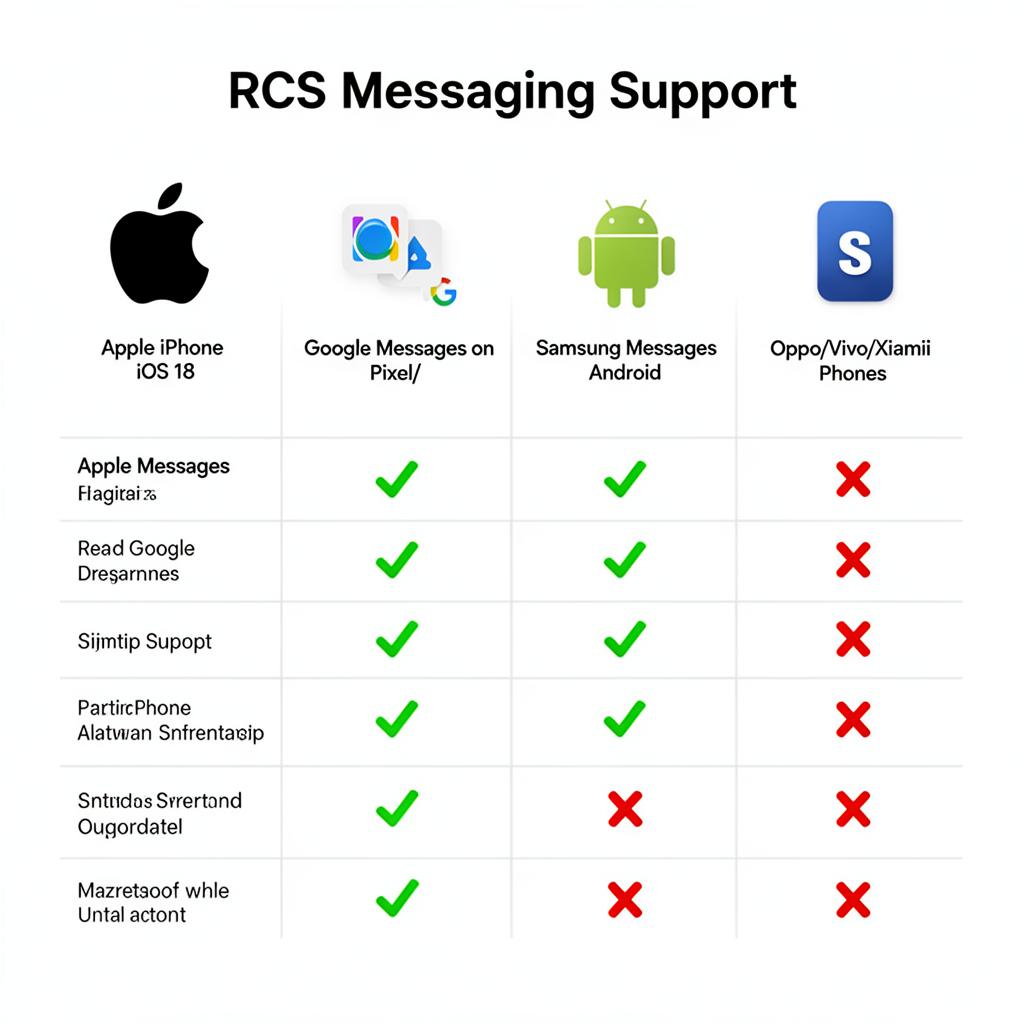
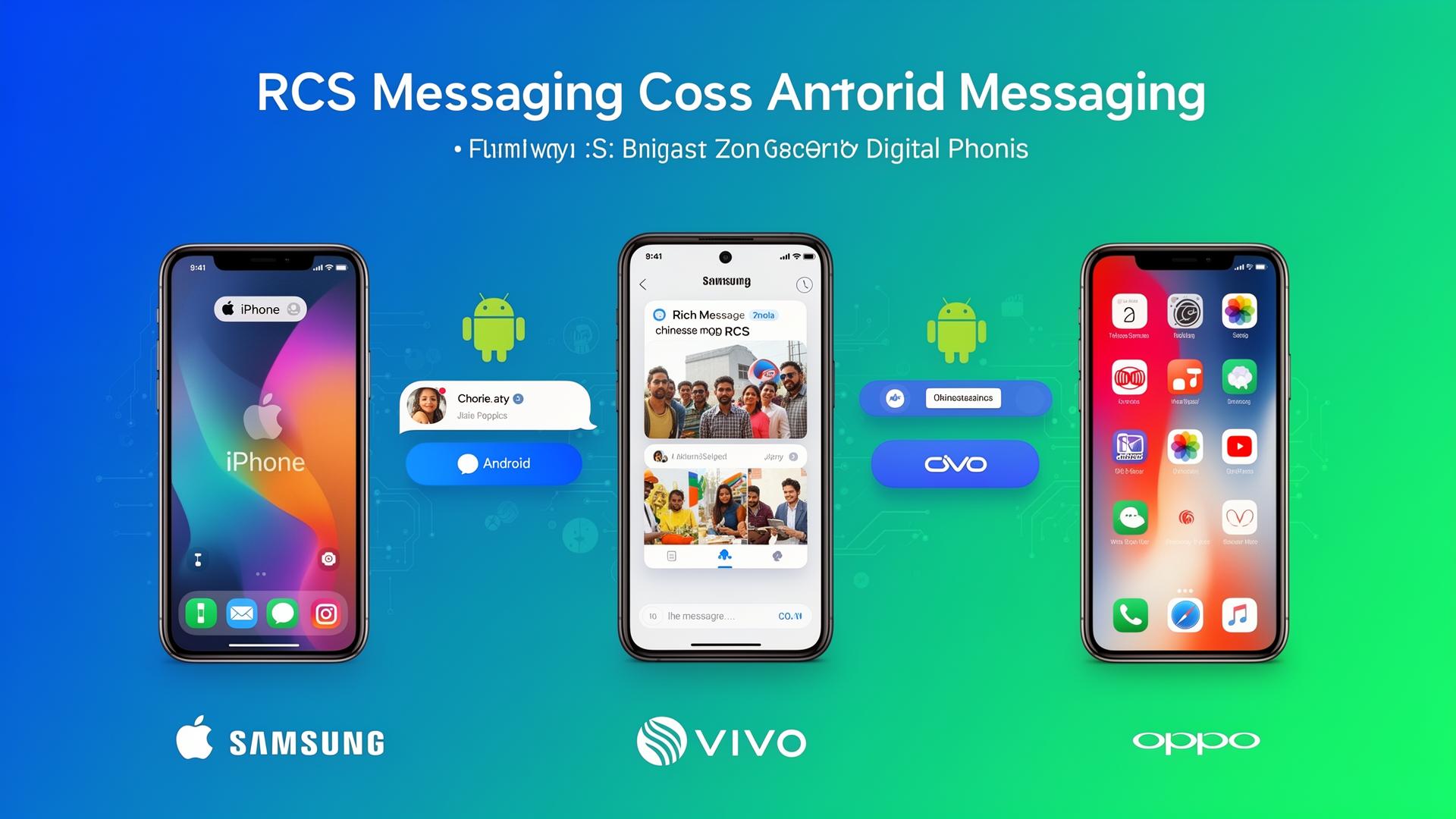
RCS on Chinese OEM Phones: Oppo, Vivo, Xiaomi, Realme & OnePlus
Chinese smartphone brands dominate the Indian market — Xiaomi, Vivo, Oppo, Realme, and OnePlus collectively hold over 60% market share. However, RCS support on these devices varies significantly and is often more limited than on Google Pixel or Samsung phones.
Most Chinese OEM phones ship with their own custom messaging apps (Oppo Messages, Vivo Messages, etc.) that do NOT support RCS natively. The workaround is simple: install Google Messages from the Play Store and set it as the default messaging app. Once Google Messages is the default, RCS works exactly as it does on Pixel or stock Android.
Xiaomi (MIUI/HyperOS): Xiaomi's default messaging app does not support RCS in India. Users must install Google Messages. Some newer Xiaomi phones (Xiaomi 14 series onwards) come with Google Messages pre-installed. Vivo (Funtouch OS): Vivo's native messaging app lacks RCS. Google Messages must be installed manually. Oppo (ColorOS): Same situation — no native RCS support. Switch to Google Messages. Realme (Realme UI): Based on ColorOS, same limitation. OnePlus (OxygenOS): Recent OnePlus phones (OnePlus 12 onwards) ship with Google Messages as default and support RCS out of the box.
Step-by-step for any Chinese OEM phone: 1) Download Google Messages from Google Play Store, 2) Open Google Messages and accept prompts to set it as default SMS app, 3) Go to Settings → RCS Chats → Turn on RCS chats, 4) Wait for verification (usually takes 1-5 minutes), 5) You'll see 'Connected' status once RCS is active. Note: RCS requires an active Jio or Airtel SIM with data connectivity.
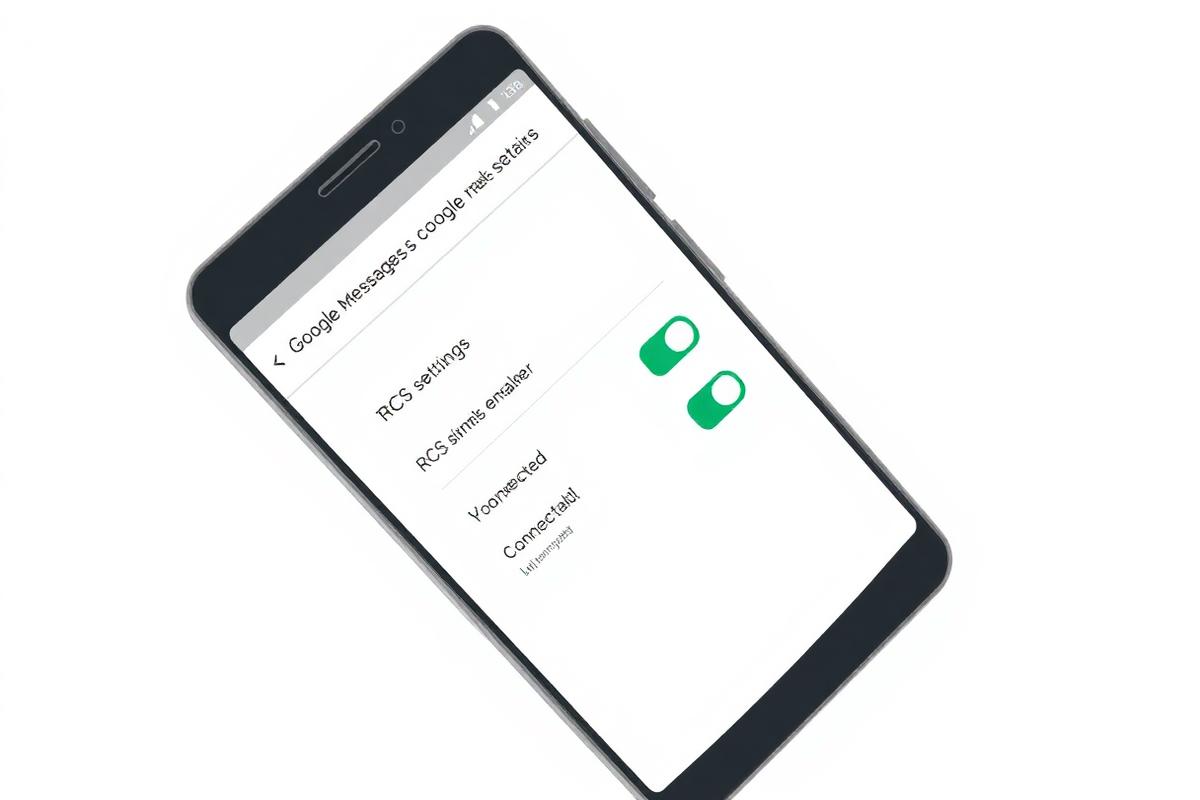
How to Enable RCS Messaging on Android in India: Step-by-Step
Step 1 — Check your carrier: RCS in India is currently supported by Reliance Jio and Bharti Airtel. Vodafone Idea (Vi) has limited RCS support and is still in the rollout phase. BSNL does not support RCS yet.
Step 2 — Install or update Google Messages: If your phone doesn't have Google Messages pre-installed, download it from the Google Play Store. If already installed, update to the latest version.
Step 3 — Set Google Messages as default: Open Google Messages → it will prompt you to set it as the default SMS app. Accept the prompt. This is required for RCS to work.
Step 4 — Enable RCS Chats: Open Google Messages → tap your profile picture (top right) → Messages Settings → RCS Chats → toggle 'Turn on RCS chats'. The app will verify your phone number with Google's Jibe server.
Step 5 — Wait for verification: Verification typically takes 1-5 minutes. In some cases, it can take up to 24 hours. You need an active data connection during this process. Once verified, you'll see 'Connected' under RCS status.
Step 6 — Confirm RCS is active: Open a chat with someone who also has RCS enabled. If you see 'Chat message' instead of 'Text message' in the input field, RCS is working. You'll also see typing indicators and read receipts.
Troubleshooting: If RCS gets stuck on 'Connecting' or 'Verifying', try: Clear cache and data for Google Messages and Carrier Services apps → Restart your phone → Re-enable RCS chats. If the issue persists, disable RCS, wait 24 hours, then re-enable.
Telecom Operators Offering RCS in India
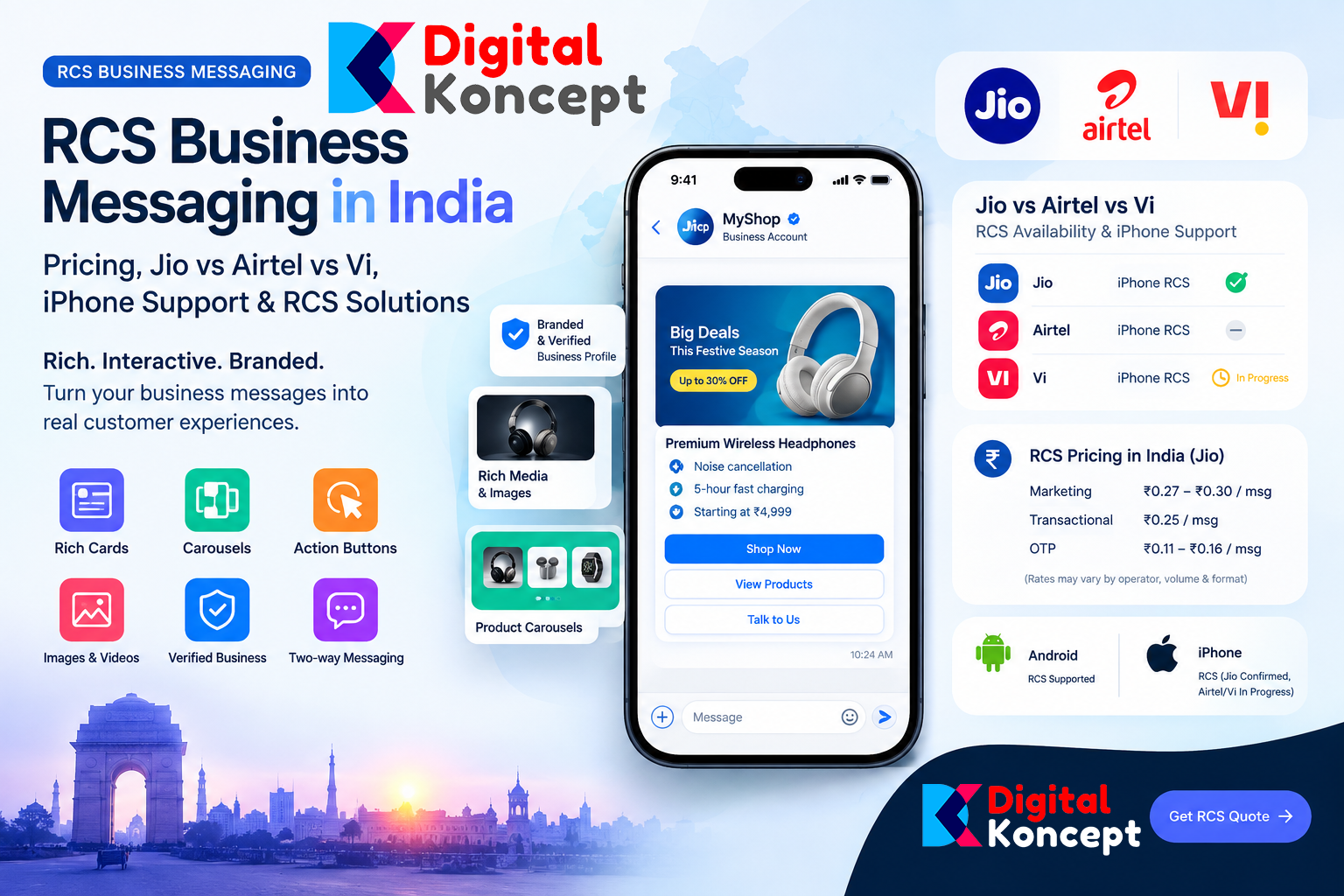
Reliance Jio: Full RCS support via Google Jibe platform. Works with Google Messages on all Android phones and supports A2P RCS for business messaging. Jio was the first Indian carrier to launch RCS at scale, covering 450+ million subscribers.
Bharti Airtel: RCS support via Google Jibe. Available on Google Messages and Samsung Messages. Airtel's RCS coverage extends to all 4G/5G subscribers. Airtel has also enabled A2P RCS for enterprise customers through Google RBM (RCS Business Messaging) partnerships.
Vodafone Idea (Vi): Limited RCS rollout. Vi supports RCS on select devices and circles. The rollout has been slower due to the operator's ongoing financial restructuring. Businesses can still reach Vi subscribers through RCS, but coverage is not universal. Digital Koncept is an authorized RCS service provider from Vodafone, enabling businesses to leverage RCS Business Messaging for verified brand communication, rich media campaigns, and interactive customer engagement on the Vi network.
BSNL: No RCS support as of March 2026. BSNL's 4G network rollout is still in progress, and RCS adoption is expected to follow once 4G coverage is stabilized.
MTNL: No RCS support. MTNL operates only in Delhi and Mumbai and has not announced RCS plans.
Summary: For reliable RCS messaging in India, Jio and Airtel are the best choices. Businesses targeting pan-India audiences should ensure their RCS campaigns support SMS fallback for Vi, BSNL, and MTNL subscribers.
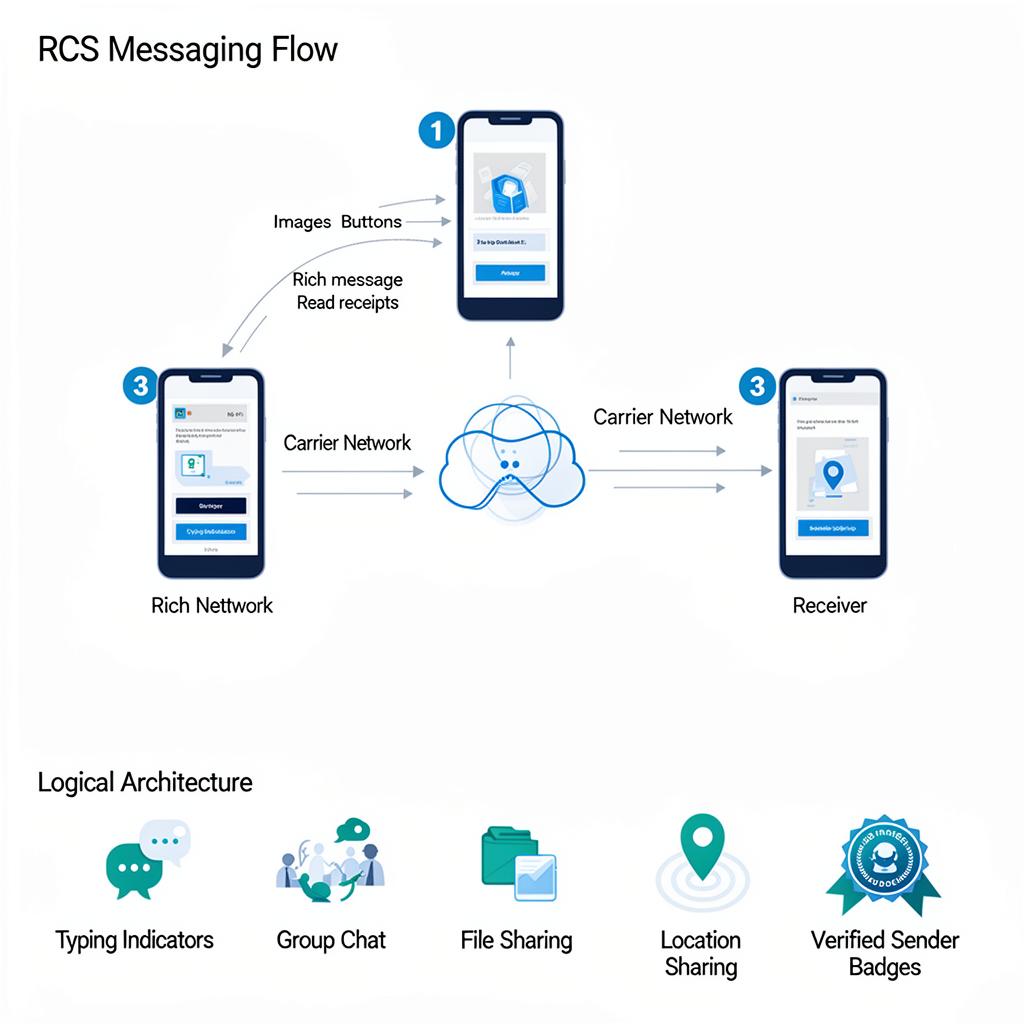
RCS Messaging Flow: How It Works (Infographic Overview)
The RCS message flow involves three key components: the sender's messaging app, the carrier/cloud RCS backend (Google Jibe or carrier-hosted), and the receiver's messaging app. Here's the logical flow:
1. Sender composes a rich message — text with images, carousels, quick-reply buttons, or a branded card. 2. The messaging app sends the message via data connection (not SMS gateway) to the RCS backend (Google Jibe Cloud). 3. Jibe routes the message through the carrier network to the recipient. 4. The recipient's messaging app renders the rich content — images display inline, buttons are tappable, and delivery/read receipts are sent back to the sender.
For A2P (Application-to-Person) business messaging: the brand sends the message through an RCS Business Messaging (RBM) platform → Google verifies the sender's identity and displays a verified badge → the message appears as a rich card in the user's default messaging app with the brand's logo, name, and verification tick.
Key advantage over SMS: RCS messages are delivered over data (Wi-Fi or mobile), not the traditional SMS gateway. This means no per-message cost for the user, richer content, and real-time delivery tracking for businesses.
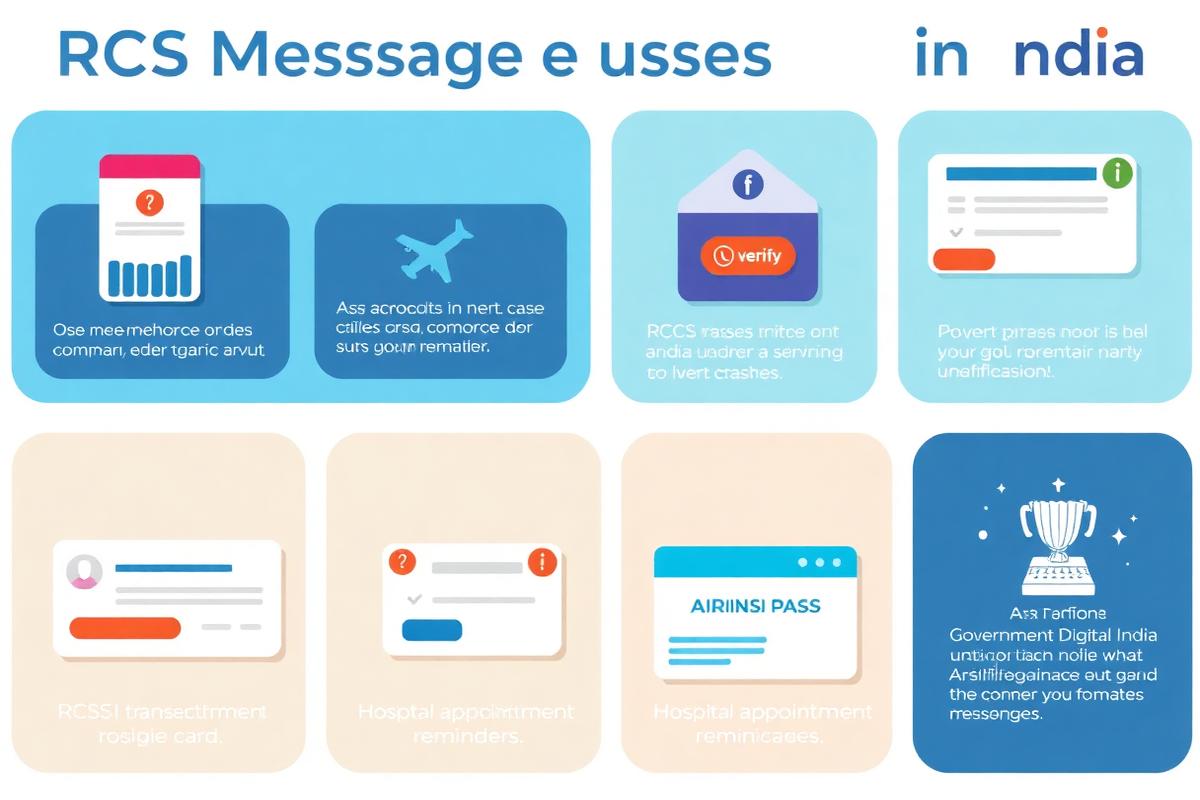
Top Use Cases of RCS Messaging in India
1. E-commerce Order Updates & Delivery Tracking: Brands like Flipkart and Amazon can send rich order confirmation cards with product images, tracking buttons, and delivery status — all within the native messaging app. Users can track their package without opening the e-commerce app.
2. Banking & Financial Services (OTP + Rich Alerts): Banks can send transaction alerts as rich cards with amount, merchant name, and quick-action buttons like 'Report Fraud' or 'View Statement'. RCS verified sender badges ensure users trust the message source, reducing phishing risk.
3. Travel & Hospitality (Booking Confirmations & Check-in): Airlines and hotels can send boarding passes, booking confirmations, and check-in reminders as interactive RCS cards with buttons for 'Check In', 'View Itinerary', or 'Contact Support'.
4. Healthcare (Appointment Reminders & Reports): Hospitals and clinics can send appointment reminders with 'Confirm' or 'Reschedule' buttons, lab report notifications with download links, and medication reminders — all within the messaging app.
5. Government & Public Services (Digital India Integration): Government departments can use RCS for Aadhaar updates, DigiLocker notifications, election alerts, and public health advisories with interactive elements and verified sender identity.
6. Retail & FMCG (Promotional Campaigns & Coupons): Brands can send rich promotional messages with product carousels, discount coupons with QR codes, and 'Shop Now' buttons that link directly to product pages. RCS promotional messages see 3-5x higher engagement than SMS.
7. Automotive (Service Reminders & Offers): Car dealerships and service centers can send service due reminders with booking buttons, new model launches with image carousels, and EMI payment reminders with pay-now links.
8. Education (Admission Updates & Fee Reminders): Universities and coaching centers can send admission status updates, exam schedules, fee payment reminders with payment links, and course recommendation carousels.
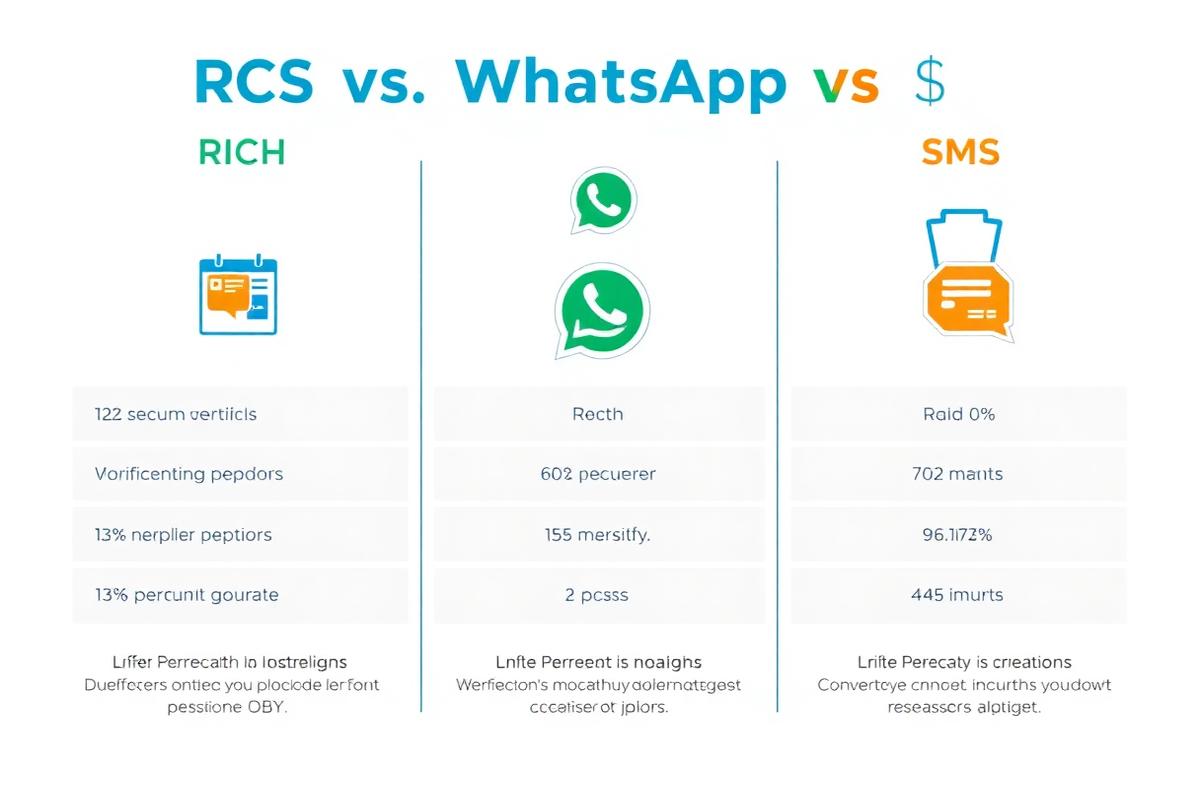
RCS vs WhatsApp Business API vs SMS: Quick Comparison
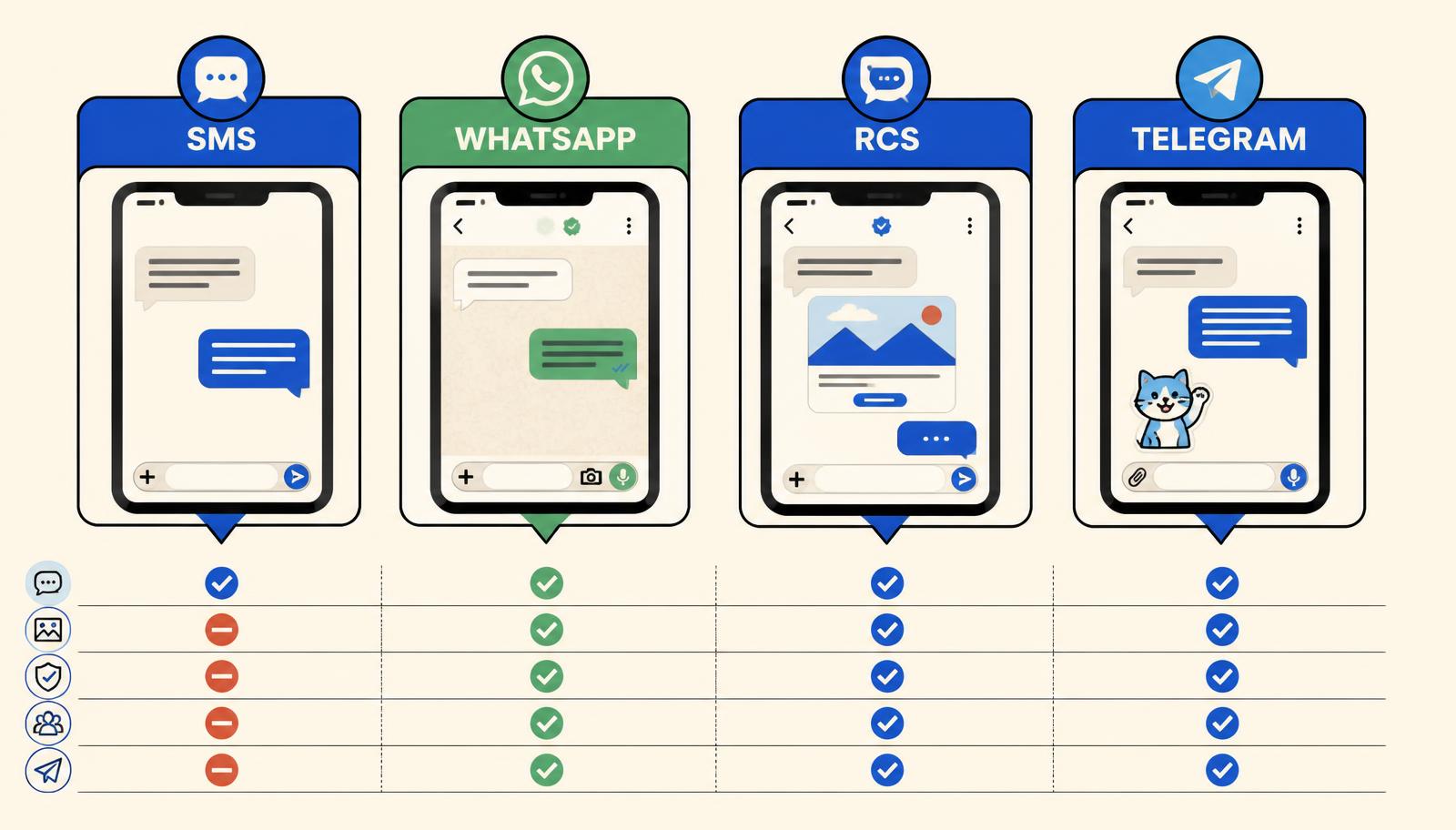
Reach: SMS reaches 100% of mobile phones. RCS reaches ~70% of smartphones in India (Jio + Airtel Android users + iPhone iOS 18+ users). WhatsApp reaches ~95% of smartphone users in India.
Cost: SMS costs ₹0.12-0.25 per message. RCS costs ₹0.30-0.80 per message (varies by carrier and content type). WhatsApp Business API costs ₹0.50-1.00 per conversation (24-hour window).
Rich Media: SMS — No. RCS — Yes (images, video, carousels, buttons). WhatsApp — Yes (images, video, documents, buttons via templates).
Verification: SMS — No verified sender. RCS — Verified sender badge with brand logo and name. WhatsApp — Green tick verification (paid).
User Experience: SMS — Plain text only. RCS — App-like interactive experience in native messaging app. WhatsApp — Rich but requires WhatsApp app installation.
Best for: SMS — OTPs, transactional alerts, maximum reach. RCS — Brand engagement, interactive campaigns, users who don't use WhatsApp. WhatsApp — Customer support, conversational commerce, high-engagement campaigns.
Digital Koncept: Your Authorized RCS Service Provider
Digital Koncept is an authorized RCS service provider from Vodafone (Vi), enabling businesses across India to leverage RCS Business Messaging for verified brand communication, rich media campaigns, and interactive customer engagement. As a Google RBM-certified partner, we handle end-to-end RCS campaign deployment — from agent registration and brand verification to campaign design, A/B testing, and analytics.
Our RCS marketing services include: verified sender registration with your brand logo and name, rich card and carousel template design, interactive button and quick-reply configuration, SMS fallback setup for non-RCS devices, campaign analytics with delivery, read, and click tracking, integration with your existing CRM and marketing automation stack, and compliance with TRAI regulations including DND filtering.
Whether you're a D2C brand looking to boost product engagement, a bank needing verified transactional messaging, or a government department rolling out citizen services — Digital Koncept provides the complete RCS infrastructure and campaign management expertise to make it work.
Ready to launch your first RCS campaign? Contact Digital Koncept today for a free consultation and see how RCS can transform your customer communication strategy.
The Future of RCS in India
RCS adoption in India is accelerating rapidly. With Jio's 450M+ subscribers, Airtel's growing RCS footprint, Apple's iOS 18 support, and TRAI's increasing focus on rich messaging regulation, RCS is positioned to become the default business messaging channel in India by 2027.
Key trends to watch: TRAI is expected to regulate A2P RCS pricing and sender verification standards. Google is expanding RBM features including AI-powered chatbots within RCS. More Indian enterprises are allocating RCS budgets as WhatsApp Business API costs rise. Cross-platform RCS (iPhone ↔ Android) will drive consumer adoption beyond business messaging.
The combination of native messaging app delivery, verified sender identity, rich interactive content, and carrier-backed infrastructure makes RCS the most promising upgrade to business communication in India since the WhatsApp Business API launch.
Launch RCS & WhatsApp Marketing Campaigns with Digital Koncept
As an authorized Vodafone RCS service provider, Digital Koncept handles end-to-end RCS campaign deployment — verified sender registration, rich card design, SMS fallback, analytics, and TRAI compliance.
Explore WhatsApp & RCS Marketing →Build an AI-Powered Chatbot for RCS & WhatsApp
Combine RCS rich messaging with AI-powered conversational agents — automate customer support, lead qualification, and transactional messaging across all channels.
Explore AI Agent Development →