Complete Guide to WhatsApp Business API Marketing
Why WhatsApp Marketing Matters for Businesses
With over 2 billion active users worldwide, WhatsApp has evolved from a simple messaging app into one of the most powerful marketing channels available to businesses today. The platform's intimate, direct nature means messages enjoy open rates of 95% or higher—far surpassing email's average of 20-25%. For businesses looking to connect with customers on a personal level, WhatsApp marketing offers an unparalleled opportunity.
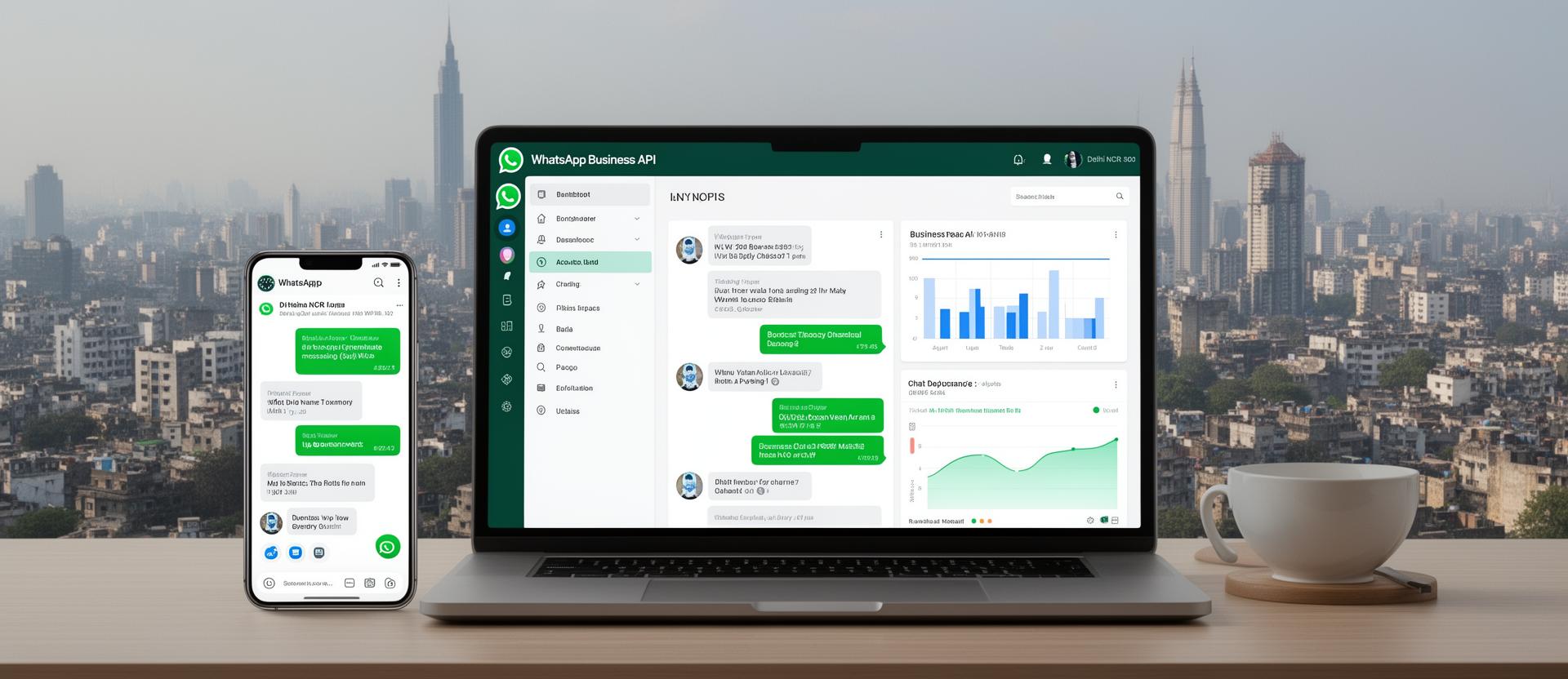
The WhatsApp Business API takes this potential even further by enabling automated messaging, customer segmentation, and integration with existing CRM and marketing automation systems. Unlike the basic WhatsApp Business app, the API allows businesses to send messages at scale while maintaining the personal, conversational feel that makes WhatsApp so effective.
From appointment reminders and order confirmations to promotional campaigns and customer support, the WhatsApp Business API opens up a world of possibilities for businesses of all sizes. In this guide, we'll walk you through everything you need to know to leverage this powerful platform for your marketing efforts.
Setting Up Your WhatsApp Business API Account
Getting started with the WhatsApp Business API requires a few key steps. First, you'll need a verified Facebook Business Manager account and a dedicated phone number that isn't already associated with a personal or WhatsApp Business app account. The API is accessed through Business Solution Providers (BSPs) like Twilio, MessageBird, or 360dialog, who handle the technical infrastructure.
Once you've chosen a BSP, you'll need to submit your business for verification. This process typically involves providing your business name, website, and documentation proving your identity. WhatsApp reviews these applications to ensure compliance with their commerce and business policies, which generally takes a few business days.
After approval, you'll need to set up message templates for outbound communications. WhatsApp requires pre-approved templates for any messages initiated by your business (as opposed to responses to customer inquiries). These templates must follow specific formatting guidelines and cannot contain purely promotional content without providing value to the recipient.
Crafting Effective WhatsApp Marketing Campaigns
Successful WhatsApp marketing campaigns start with understanding your audience and their preferences. Unlike email or social media, WhatsApp is a deeply personal channel—users expect relevant, valuable messages that respect their time and privacy. Segmenting your audience based on purchase history, engagement level, and preferences allows you to send targeted messages that resonate.
Message content should be concise, conversational, and action-oriented. Use rich media like images, videos, and documents to make your messages more engaging. Interactive elements such as quick reply buttons and list messages can simplify the customer journey and drive higher conversion rates. Always include a clear call-to-action that tells the recipient exactly what you want them to do next.
Timing is crucial in WhatsApp marketing. Unlike email, WhatsApp messages generate instant notifications, so sending at the wrong time can be intrusive and lead to opt-outs. Analyze your audience's activity patterns and test different sending times to find the sweet spot. Generally, business hours on weekdays tend to perform best, but this varies by industry and audience.
Automation and Chatbot Integration
Automation is where the WhatsApp Business API truly shines. By integrating chatbots and automated workflows, businesses can handle customer inquiries 24/7, qualify leads automatically, and nurture prospects through personalized drip campaigns. Modern chatbot platforms use natural language processing to understand customer intent and provide relevant responses.
A well-designed WhatsApp chatbot can handle common queries like order status checks, appointment scheduling, and FAQ responses without human intervention. For more complex inquiries, the bot can seamlessly hand off the conversation to a human agent, ensuring customers always receive the help they need. This hybrid approach maximizes efficiency while maintaining the personal touch.
Automated workflows can also trigger messages based on specific events or customer actions. For example, you can set up abandoned cart reminders, post-purchase follow-ups, feedback requests, and renewal notifications—all delivered through the familiar WhatsApp interface that customers already trust and engage with daily.
Measuring Success and Optimizing Performance
Tracking the right metrics is essential for optimizing your WhatsApp marketing efforts. Key performance indicators include message delivery rates, read rates, response rates, click-through rates on links and buttons, and conversion rates. Most BSPs provide analytics dashboards that give you visibility into these metrics across your campaigns.
A/B testing is a powerful way to optimize your messaging. Test different message formats, copy variations, sending times, and call-to-action styles to identify what resonates best with your audience. Even small improvements in response rates can have a significant impact on overall campaign performance when you're messaging at scale.
Compliance and opt-out management are equally important. WhatsApp has strict policies around messaging frequency and content quality. Monitoring your quality rating—which WhatsApp assigns based on user feedback—is crucial for maintaining your messaging privileges. High block or report rates can lead to restrictions or even account suspension, so always prioritize delivering value over volume.